How To Arrange A Home Office In A Living Room
A practical step-by-step guide to how to arrange a home office in a living room, including preparation, instructions, common issues, tips, and next steps.

How To Arrange A Home Office In A Living Room
Arranging a home office in a living room requires clever zoning, smart storage, and thoughtful lighting to balance work and relaxation. This guide will walk you through choosing a spot, separating the space visually, selecting ergonomic furniture, managing cords, reducing noise, and keeping the area tidy. You'll also find quick solutions for common problems and final checklist items to ensure your setup is both functional and pleasant.
Fast Answer
- Position your desk against a solid wall, ideally near a window, and use a room divider or tall plant to create a visual boundary between work and leisure areas.
- Choose compact, multi-functional furniture like a wall-mounted desk with shelves, and use storage baskets or cabinets to keep office clutter hidden from the rest of the room.
Before You Start
- Measure your available floor space, including depth, width, and height, so you can select furniture that fits without crowding the living room.
- List the essentials you use daily, such as a laptop, monitor, papers, pens, and a lamp, to decide what storage and surface area you need.
- Check the locations of power outlets, Wi-Fi router, and natural light sources so you can place your desk for easy access and comfort.
- Decide on a budget range for any new items like a desk chair, shelf, or storage bins, and note which existing furniture pieces can be repurposed.
Step-by-Step Instructions
Select the Best Corner for Your Workspace
Choose a corner of the living room that gets steady natural light but is not directly in front of a window. If you face a window, you'll battle glare on your screen; if your back is to it, you'll be distracted by movement outside. For example, place your desk perpendicular to a side window, so the light comes from the side. Make sure the area is at least 3 feet wide and 2 feet deep so you have room for your chair and feet. If possible, pick a spot that is not in the main walkway between the sofa and the door, because constant foot traffic breaks your concentration. Also, confirm that you can reach a power outlet without running a long extension cord across the room. By deliberately selecting this spot, you create a stable, comfortable base for your entire office setup. This choice affects everything from cable management to how often you can take a break without leaving your seat.
Define the Home Office Zone Visually
Once you've chosen the corner, make the office area feel separate from the living room, even if it's in the same open space. One effective way is to lay down a distinct floor rug that matches your office colors, like a 4x5 foot area rug under your desk and chair. This helps your brain associate that patch of floor with work. Another method is to place a tall plant, like a fiddle-leaf fig or a floor lamp, at the boundary between the sofa and your desk. If you have enough space, use a low shelf unit as a room divider, which also offers storage. Because the living room is often a place to relax, a visual boundary prevents you from feeling like you're always at work, and it helps family members know they should stay quiet when the office zone is 'on'. Even a simple curtain that can be drawn closed, mounted on a tension rod, can transform the area into a private nook when you need to concentrate.
Set Up a Comfortable and Ergonomic Desk Space
Your desk and chair are the heart of your office, so choose pieces that fit your body and the room. If you're buying new, look for a desk that is about 29 inches high, which is standard, and a chair with adjustable height and lumbar support. A compact desk with built-in shelves or a wall-mounted drop-leaf desk can save floor space while giving you a flat surface for your computer and documents. Position your chair so your feet rest flat on the floor, your knees are at a 90-degree angle, and your forearms are parallel to the floor when typing. If your chair is too low or high, adjust it or use a footrest. The desk should be stable, and the top should be at elbow level when you sit. Make sure there's enough knee clearance underneath so you can pull up close without hitting anything. A monitor or laptop screen should be about an arm's length away, with the top of the screen at eye level, so you're not craning your neck. This setup reduces the risk of back and neck pain, especially if you work for several hours at a stretch.
Organize Cables and Power Strips Neatly
Tangled cords are not only ugly but also a tripping hazard, and they can damage your devices if pulled. Start by identifying every cable you need: computer charger, monitor, phone, desk lamp, and any peripherals. Once you've plugged them into a surge-protected power strip (which you should already have), group the cords together and use cable clips or ties to keep them bundled along the underside of your desk. You can attach a small cable management tray under the desk to hold the strip, keeping it off the floor. Route each cord to the device it powers, making sure there's slack so you can move your chair. If possible, use a power strip with a long cord, like 6 feet, to reach the wall outlet without stretching. Finally, tape down any cord that still lies across the floor with electrical tape or a cord cover. By tidying your cables, you prevent accidental snags and make dusting easier, and you keep the living room looking clean, which helps you work with a clear mind.
Manage Noise and Distractions from the Living Room
The living room naturally has sounds like the television, conversations, or the hum of the refrigerator. To concentrate, you need to control that noise. First, communicate with your household about your work hours, or simply close the door if the room is separate—but in an open layout, you need other strategies. Add a white noise machine or a fan near your desk to mask intermittent sounds. Alternatively, use noise-cancelling headphones—wired or wireless, as long as they are comfortable. If you play music, choose lo-fi or ambient tracks without lyrics, which are less distracting. Position your desk away from the TV and speakers, and if you can, place a bookcase or baffle, like a foam acoustic panel, between you and the main noise source. You can also schedule your work to match quieter times in the home, such as early morning or late evening. A practical check: sit at your desk, close your eyes, and listen for 30 seconds; if you hear too much, adjust your setup or add a soft rug that absorbs sound.
Maintain and Tidy Your Home Office Daily
A cluttered desk can lower your focus and reduce the aesthetic appeal of your living room. To keep the space clean, adopt a daily routine: at the end of each workday, spend five minutes clearing papers, putting pens away, and tucking your chair under the desk. Use a tray for incoming documents and a shallow bin for wires and small accessories. Wipe down the desk surface and keyboard weekly with a damp cloth (remember to unplug electronics first). Also, periodically go through your storage and discard anything you no longer need, like old receipts or out-of-date notes. If space is tight, consider using a rolling cart that can be stored in a closet when you have guests. By making tidying a habit, you prevent clutter from spreading into the cozy living room, and you ensure that your office feels welcoming each time you sit down to work, which helps you start your tasks with a positive mindset.
Quick Reference
| Situation | Action | Why it helps |
|---|---|---|
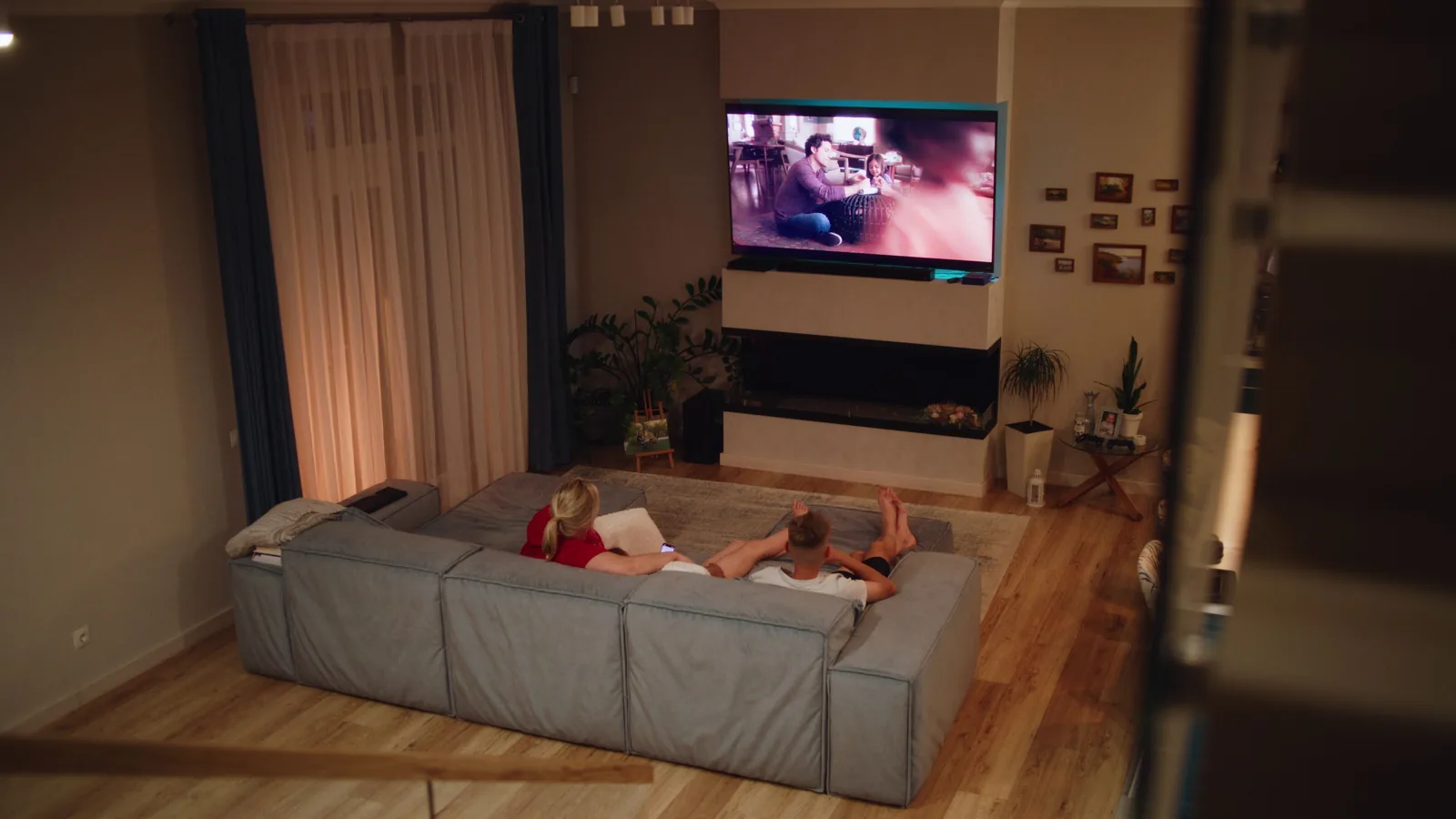
| You need to work, but the family wants to watch TV in the same room. | Close the door or draw a curtain across the office area, and put on noise-cancelling headphones to block out the sound. | Creating a physical and auditory barrier lets you concentrate while your family can still enjoy their activity. |
| You run out of desk space for your laptop, paperwork, and a cup of coffee. | Install a wall-mounted shelf above the desk to hold printers or reference books, and use a monitor stand to lift the screen and free up space underneath. | Vertical storage uses unused wall space and clears the desk, making it easier to work without moving things around. |
| The natural light from the window causes a glare on your computer screen. | Adjust your blinds or shades to a 45-degree angle so they filter light while still letting some in, and reposition your desk so the light comes from the side. | Side lighting reduces screen reflections and eye strain, while a bit of filtered natural light keeps the room bright and airy. |
Common Issues
- Cords and cables are tangled and unsightly, and they bother you aesthetically.: Gather all cords and plug them into a surge-protected power strip that you mount under the desk. Use cable ties or Velcro to bundle the cords, and use a cord cover to hide any floor-hugging cables.
- You always feel cramped and there isn't enough room for your chair to roll.: Measure the width of your chair and compare it to the space under and around the desk. If it's too tight, replace the chair with a smaller one, or use a swivel chair without armrests, and move the desk a few inches away from the wall.
- Your back hurts after sitting for long periods.: Adjust your chair so your feet are flat and your knees are at 90 degrees; if your chair lacks lumbar support, add a cushion. Set an hourly timer to stand up and stretch for two minutes.
Advanced Tips
- Use a monitor arm to lift your screen off the desk, giving you more surface area and flexibility to adjust the height and angle without taking up extra room.
- Install a small under-desk drawer or a slide-out shelf to store a keyboard and mouse when not in use, keeping the top free for writing or temporary clutter.
- Consider a dual-purpose piece like a sofa with a built-in fold-out desk, or a wall-mounted drop-leaf table that folds flat when you're done working.
Final Checklist
- Verify that your desk and chair fit comfortably in the chosen corner with at least 2 feet of clearance behind the chair.
- Confirm that all cords are tucked away and that no extension cord crosses a walking path; ideally, a power strip is hidden under the desk.
- Ensure your monitor or laptop screen top is at eye level, your wrists are straight, and your lower back is supported.
- Check that the office area has enough lighting – either natural light or a task lamp – and that you have a way to reduce glare and noise.
FAQ
Can I use a folding desk to save space in the living room?
Yes, a folding desk is a smart choice for a small living room. Choose one that is sturdy enough for your laptop and a few essentials, and fold it away when you're not working. Make sure it locks into place and doesn't wobble. You can mount it on the wall, and use a simple stool or a chair that can be stored under the fold-down table.
How do I keep my home office from making the living room look cluttered?
Use furniture with hidden storage, like an ottoman that opens up or a desk with drawers. Keep only your most-used items on the desk, and store the rest in bins or baskets. At the end of each day, put everything away, and use a room divider or plants to visually separate the office area from the relaxing part of the room.
Is it okay to have my office near the television?
It can work if you manage distractions, but it's better to place the desk as far from the TV as possible. If you must sit near it, use noise-cancelling headphones and point the desk away from the screen so you can't easily see it. Also, turn off the TV or ask others to use subtitles while you work.