Editorial Software Assessment
Retouch4me Review: AI Retouching That Fits Professional Photo Workflows
An honest look at how Retouch4me's AI plugins automate routine retouching without giving up artistic control.

Retouch4me in Context
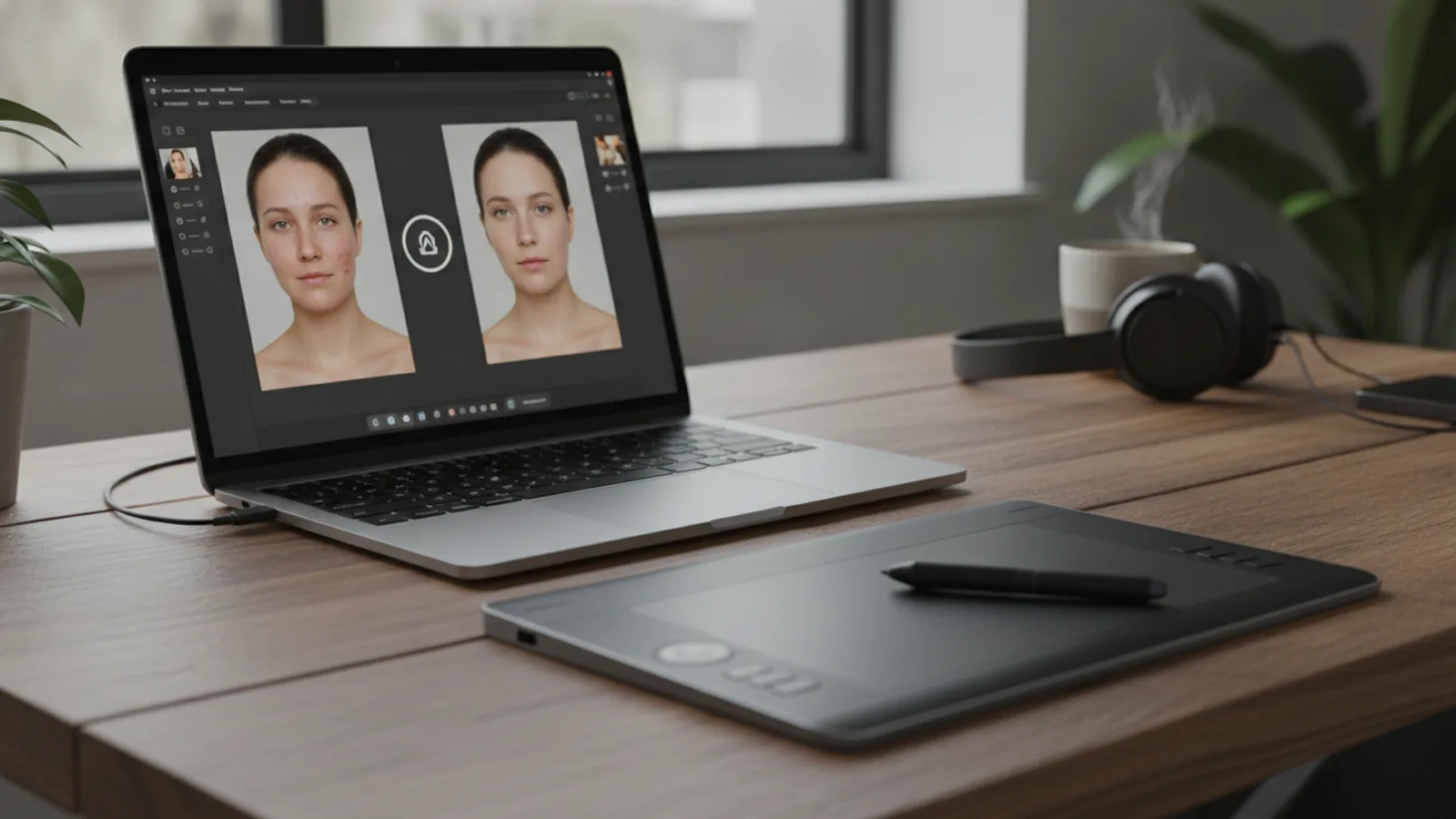
Retouch4me is an AI photo and video retouching toolset built by photographers for photographers. Its plugins target the repetitive parts of retouching — skin cleanup, lighting and detail adjustments — while keeping the retoucher’s decisions in the workflow.
Retouch4me is especially relevant to small studios and freelance operators where editing time is a direct cost. Portrait, wedding, newborn, school and e-commerce photographers all face the same bottleneck: dozens or hundreds of images that need consistent, natural-looking finishes before delivery.
The platform offers both local plugins and cloud tools, so teams can choose between doing everything on their own machines or pushing batch work to the cloud.
Quick Review
Ease of use: 4.5 / 5.0 - plugins fit familiar editing environments rather than demanding a new app.
Workflow coverage: 4.5 / 5.0 - local plugins, cloud retouching and batch tools cover different project sizes.
Output quality: 4.5 / 5.0 - the focus on natural results is central to the product design.
Batch handling: 4.5 / 5.0 - automatic culling and batch processing are available for large shoots.
Video support: 4.0 / 5.0 - dedicated video plugins exist, but the offer leans toward photo workflows.
Entry options: 4.5 / 5.0 - a free trial with 20 images and several free tools lower the barrier.
Pros and Cons
What works well:
- Plugins integrate with Photoshop, Lightroom, Capture One, Affinity Photo, DaVinci Resolve, Final Cut Pro and Premiere Pro.
- Free trial with 20 images makes evaluation straightforward.
- Both local and cloud retouching are offered.
- A Photoshop panel controls all plugins and the Cloud Retouch from one place.
- Batch processing and automatic culling suit high-volume wedding and event work.
- A Moles slider in Heal gives control over how visible AI-detected moles remain.
What to weigh carefully:
- The toolset spans many products and add-ons, so new buyers must map which tools they actually need.
- Cloud retouching may not fit teams with strict data or location requirements.
- Video plugins are a smaller part of the offer than photo retouching.
What Is Retouch4me?
Retouch4me is a family of AI retouching products rather than a single plugin. The core products include:
- Retouch4me Apex, an all-in-one AI retouching plugin with real-time preview.
- Arams, an AI editor for automatic culling and batch processing of photoshoots.
- The Photoshop panel, which controls all plugins and operates Cloud Retouch.
- MyShot, a cloud retouching tool to capture, upload and share retouched photos instantly.
- Video plugins for automatic retouching and color grading of video.
Several free resources sit alongside the paid tools: Frequency Separation, Color Match, a Photoshop HSL Masking Panel and an Upscaler.
The company positions itself as created by photographers for photographers, with use cases covering portraits, fashion, schools, newborns, weddings, events, e-commerce and video.
What Makes Retouch4me Different
Three things stand out in the offer.
First, the explicit goal of cutting routine work. Retouch4me claims up to 80% less routine editing while keeping full control over the result. That claim fits the product’s design: automation handles cleanup, the retoucher handles the look.
Second, a hybrid local-and-cloud model. Plugins run on the user’s machine, while Apex and Arams offer cloud retouching options for heavier batch workloads. Teams can keep control and scale when needed.
Third, the breadth of host applications. Support for Photoshop, Lightroom, Capture One, Affinity Photo, DaVinci Resolve, Final Cut Pro and Premiere Pro means the tools can slot into an existing production pipeline rather than replace it.
Scoring
Quality: 4.5 / 5.0 - the tools are purpose-built for natural retouching, not dramatic alteration.
Value: 4.5 / 5.0 - free tools and a 20-image trial let teams test before committing.
Workflow integration: 4.5 / 5.0 - broad support across major photo and video editing software.
Scalability: 4.5 / 5.0 - local, cloud and batch options for different project sizes.
Learning curve: 4.0 / 5.0 - familiar tools, but the number of products requires some planning.
Overall: 4.5 / 5.0 - a strong fit for professional retouching operations where time and consistency matter.
Who Should Buy
Retouch4me fits:
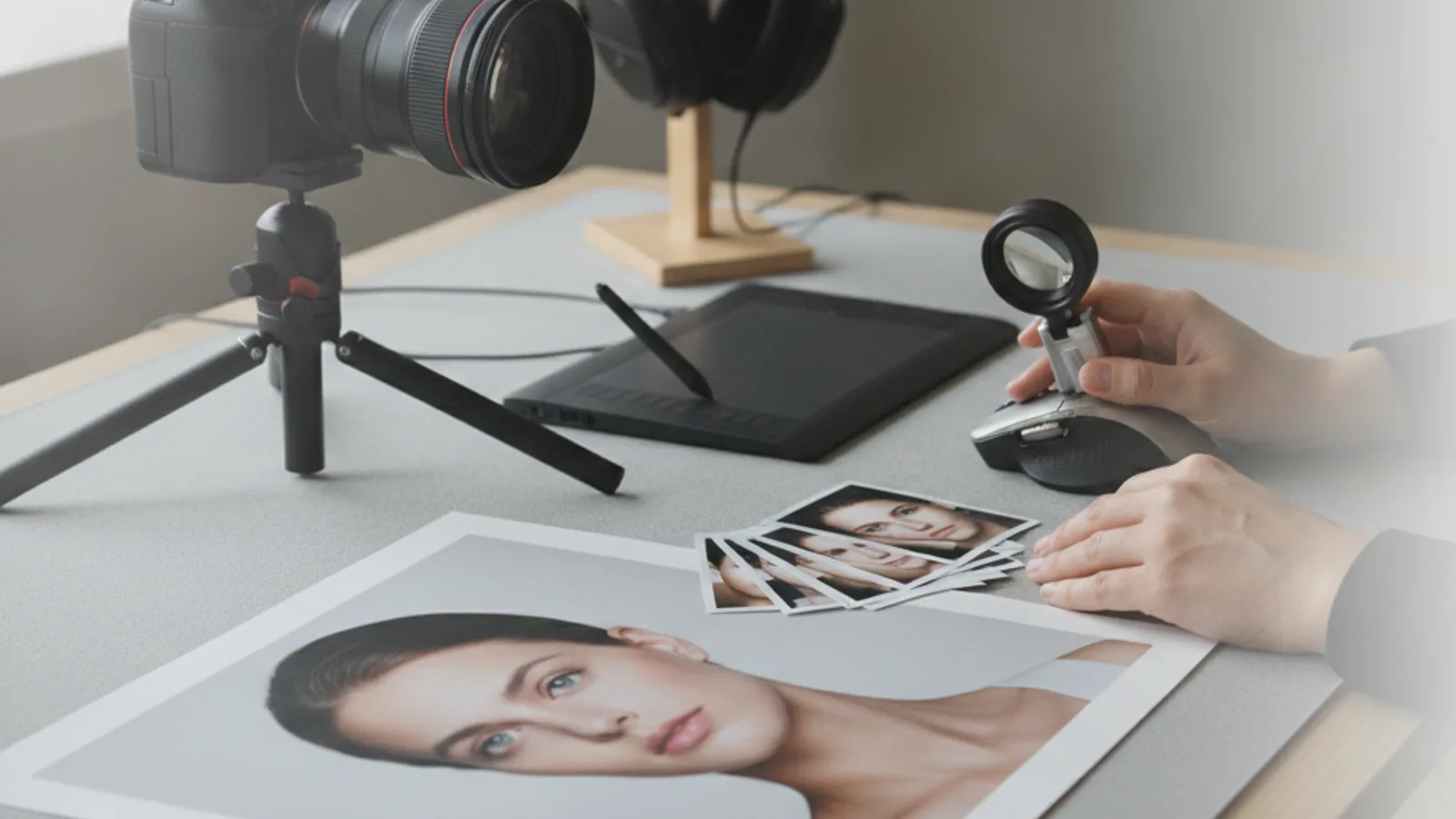
- Portrait and fashion studios that process high volumes of skin retouching.
- Wedding and event photographers who need fast culling and batch processing.
- E-commerce teams producing catalog photos at a steady pace.
- Newborn and school photographers who need delicate, natural retouching.
- Videographers who want automatic retouching or color grading inside Premiere Pro, DaVinci Resolve or Final Cut Pro.
- Retouchers and beginners who want to learn from tools designed to work like professional retouchers.
Who Should Skip
Retouch4me is likely not the right choice for:
- Teams that cannot use cloud services for image processing.
- Editors who prefer a fully manual, from-scratch retouching process with no AI assistance.
- Users who need a single, narrow tool rather than a broad product line.
- Businesses outside the photo and video production space.
Review Method
This assessment is based on the product information, feature set and materials published by Retouch4me. It has not been based on hands-on testing, and no claims of personal testing are made. The evaluation focuses on workflow fit, product breadth, integration options and how the offer matches the needs of professional photo and video businesses.
Buying Advice
Before committing, decide which bottleneck matters most in your operation. If skin retouching slows down portrait or beauty work, Apex with real-time preview is the natural entry point. If the problem is volume, such as wedding or event shoots, Arams and batch processing matter more. If the aim is consistency, the Photoshop panel and Cloud Retouch give you a single control surface.
The free trial with 20 images is the lowest-risk way to judge output quality against your own standards. Several free tools, including Frequency Separation, Color Match and the Upscaler, can also be tested without cost.
Teams with strict data policies should compare local plugins against cloud options before purchase. The modular structure means you can start with the tools you need and expand later.
Final Verdict
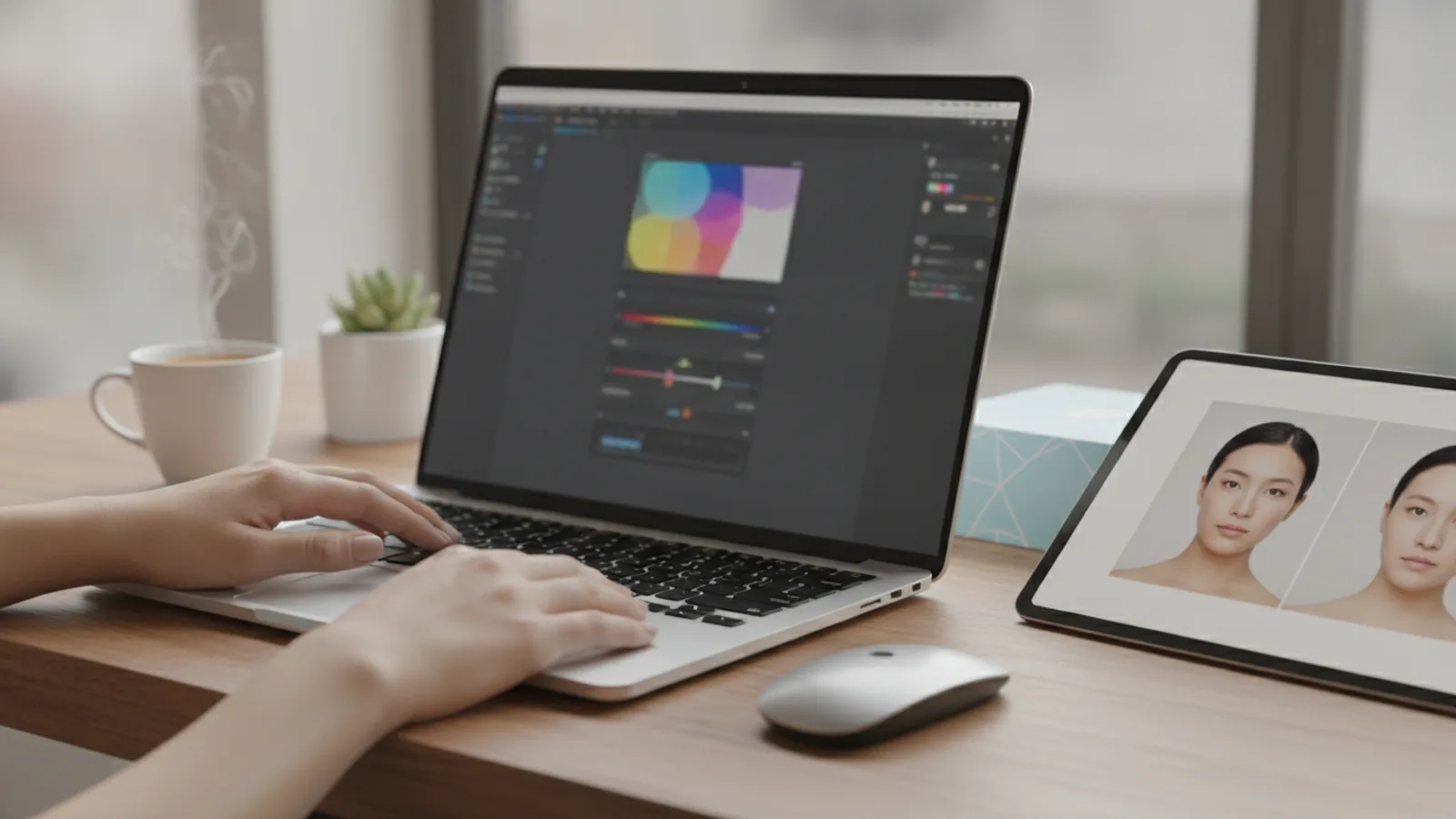
Retouch4me is a practical, well-scoped AI retouching toolset for professional photo and video workflows. Its strength lies in automating the routine while leaving creative control with the retoucher, and in supporting the applications teams already use.
At 4.5 / 5.0 overall, it earns a strong recommendation for high-volume portrait, wedding, event and e-commerce work. The caveats are manageable: plan which products you need and confirm your cloud policy if you work with sensitive images.
Frequently Asked Questions
Is Retouch4me a single plugin?
No, it is a product family including Apex, Arams, the Photoshop panel, MyShot, video plugins and several free tools.
Does Retouch4me have a free trial?
Yes, the site offers a free trial of 20 images.
Which editing applications does Retouch4me support?
It supports Photoshop, Lightroom, Capture One, Affinity Photo, DaVinci Resolve, Final Cut Pro and Premiere Pro.
Can Retouch4me retouch video?
Yes, dedicated video plugins handle automatic retouching and color grading.
Some guides may include clearly labelled affiliate links. Editorial recommendations remain independent.